How to Find the Analytics Data That Matters
Google Analytics has thousands of data points, but most do not matter for your business. Here are the five metrics that actually drive decisions.
Key Takeaways
- •Most businesses only need to track five key metrics to make informed marketing decisions
- •Organic traffic trend over time is the single most important metric for measuring SEO progress
- •Conversion tracking is essential. Without it, you can't connect marketing activity to revenue
- •Google Analytics is free and provides more data than most businesses will ever need
- •Setting up analytics correctly from the start saves months of headaches and missing data later
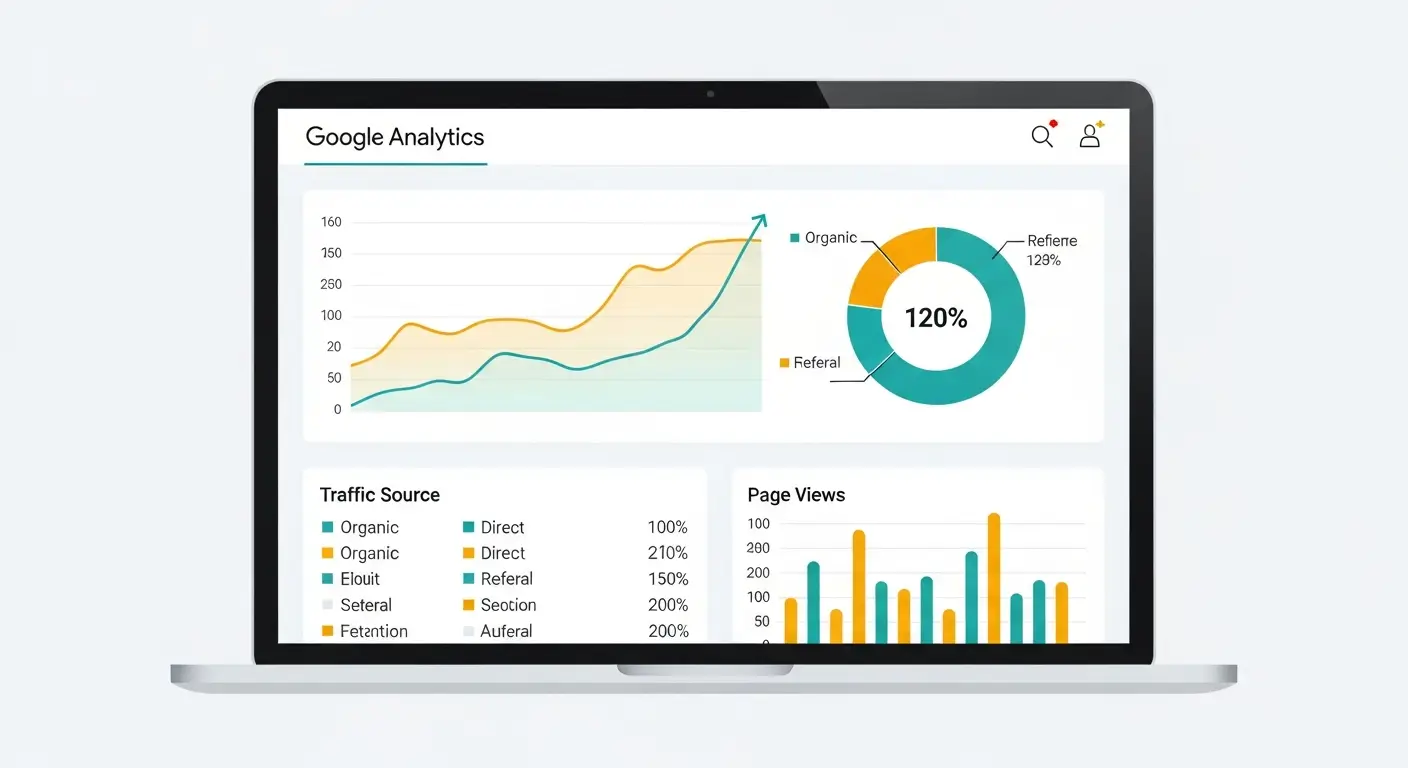
Imagine paying an agency every month for six months and having no way to tell if it is working. That is exactly what happens when Google Analytics is not set up correctly. A surprisingly common mistake is installing the tracking code only on the homepage. Months of data accumulate, and none of it is useful.
This kind of wasted spend is far more common than you would expect. Businesses skip the fundamentals of analytics setup and end up making decisions based on incomplete or meaningless data.
Five metrics that actually matter
Google Analytics tracks hundreds of things. Session duration, user flow, demographics, device breakdowns, behavior flow charts. Most of it will never change a decision you make about your business. I recommend focusing on five numbers.
Organic traffic
This one tells you whether your SEO is producing results. I compare each month to the same month from the previous year because seasonal patterns in local business are real. A landscaper will always see traffic dip in December. That dip means nothing unless it's worse than last December.
What to watch for:
- Gradual increase: Your strategy is working. Keep going.
- Sudden cliff drop: Something broke. Could be a technical issue, a Google algorithm shift, or a lost ranking on a key page.
- Flat for three or more months: Time to reassess your approach.
Top landing pages
Which pages do people actually arrive on? Not your homepage necessarily. For many businesses, the most visited page turns out to be a blog post or a specific service page nobody expected to perform well.
This data helps you spot:
- Pages worth investing more effort into
- Content that falls flat despite your expectations
- Gaps where a new page could grab traffic nobody is competing for
Conversion rate
If you skip every other section, read this one. A conversion is whatever action matters to your business: a form submission, a phone call, a chat message, an appointment booking. Without tracking conversions, you are counting heads walking through the door but never checking if they bought anything.
I recommend setting up conversion tracking before anything else. It changes the entire conversation from "are we getting traffic?" to "are we getting customers?"
Traffic sources
GA4 breaks your visitors into channels:
- Organic search: People who found you through Google
- Direct: People who typed your URL or used a bookmark
- Referral: People who clicked a link on another website
- Social: People from social media platforms
This breakdown shows you where to spend your time. If social media is sending 3% of your traffic while organic search sends 65%, that tells you something about where your energy should go.
Mobile vs. desktop split
For most local businesses, mobile traffic is 55% to 70% of total visits. If your mobile conversion rate is half your desktop conversion rate, you have a problem with how your site works on phones. That kind of gap points directly to mobile optimization issues.
Getting the setup right
A botched setup creates months of garbage data. Businesses regularly make major marketing decisions based on analytics that were misconfigured from day one.
Install the tracking code on every page
The GA4 tracking snippet needs to load on every single page. Not just the homepage. Not just the landing pages. Every page. I verify by opening real-time reports and clicking through the site myself. If I can see my visits on every page, the code is working.
Configure conversion events
GA4 uses an event-based model. For a service business, I typically configure:
- Contact form submissions (tracked via a thank-you page redirect or a JavaScript event)
- Phone number taps on mobile (tracking clicks on tel: links)
- Email link clicks
- Chat widget interactions
Each event gets marked as a conversion in GA4's admin. Without this step, the tool is just a fancy visitor counter.
Link to Google Search Console
This integration pulls keyword data into Analytics so you can see which search queries drove traffic. It connects what happened in Google search results with what happened on your site. Two different data sets, now talking to each other.
Filter out your own visits
You and your team visit your own site constantly. That inflates the numbers and muddies the data. I set up filters to exclude your office IP address and recommend browser extensions that block GA tracking for your personal devices.
GA4 reports I actually use
The switch from Universal Analytics to GA4 frustrated a lot of people. The interface is different, the reports moved around, and some familiar features disappeared. But once you know where to look, GA4 is more flexible than the old version.
Acquisition overview
My first stop every week. This report shows traffic by channel at a glance. I am looking for organic search trending upward and watching for any unusual spikes or drops in other channels. A referral traffic spike might mean someone linked to the site. An organic drop might mean a technical problem or algorithm change.
Landing page report
Tucked under Engagement, this one shows which pages visitors land on first. I sort by organic sessions to find the top-performing content. Pages with high impressions (visible in Search Console) but low landing page sessions usually have a meta description or title that is not compelling enough to click.
Conversions report
This shows every conversion event I configured. Form fills, phone taps, email clicks. Without this report, the rest of the data is academic. This is where marketing connects to revenue.
User demographics and geography
For Denver businesses, I check geographic data to make sure the majority of traffic is local. If a plumbing company is getting 40% of its traffic from California, the local SEO strategy needs adjustment. You need people in the service area, not across the country.
Reading analytics without drowning in data
Business owners open Analytics, get overwhelmed by charts and numbers, and close the tab without learning anything. That is the opposite of what analytics should do for you.
One question per session
Every time you open GA4, ask yourself one specific question. "Did organic traffic go up this month?" Find the answer. Close the tab. Do not wander. Wandering is how you end up spending 45 minutes staring at bounce rates that will not change your next decision.
Always compare periods
A single month's number is meaningless without context. 500 organic visitors is great if last month was 350. It is terrible if last month was 800. I always compare month-over-month and year-over-year. The year-over-year comparison eliminates seasonal noise.
Build a one-page dashboard
GA4 lets you create custom reports. I recommend building a single dashboard with four panels: organic traffic trend, top landing pages, conversion count, and traffic sources. This dashboard takes about 60 seconds to review and answers every important question without clicking through menus.
Ignore what you cannot act on
Metrics like average session duration and pages per session are interesting in theory. In practice, a business owner cannot do much with "average session duration dropped from 2:14 to 1:58." Focus on traffic trends, conversions, and top content. Everything else is noise until your business is sophisticated enough to act on granular engagement data.
Checking analytics: how often is enough?
Weekly glance (5 minutes)
Look at overall traffic. Note anything weird. Big spike? Big drop? Worth investigating. Everything normal? Close the tab.
Monthly review (30 minutes)
Dig into the five key metrics. Compare to last month and last year. This is when I recommend preparing a monthly report: a simple summary that connects data to business decisions.
Quarterly deep dive (1 hour)
Analyze content performance, conversion trends, and traffic source shifts. This informs strategic decisions for the next quarter. Should we write more content like what is performing? Should we invest more in a channel that is growing?
Mistakes I see constantly
Checking daily numbers and panicking. Traffic fluctuates based on the day of the week, holidays, weather, and pure randomness. Checking daily leads to false conclusions and wasted energy.
No conversion tracking. I cannot stress this enough. Page views without conversion data is like counting shoppers in a mall without tracking sales. Interesting but not useful.
Ignoring spam traffic. Bot visits and referral spam distort your data. GA4 handles most of this automatically, but I verify by checking referral sources and filtering out anything suspicious.
Tiny sample sizes. If your site gets 150 visitors a month, a 3% change in conversion rate is fewer than five people. That is statistical noise, not a trend. Wait for enough data before making strategic changes.
What analytics reveals beyond the basics
Once you are tracking the fundamentals, analytics starts revealing patterns:
- Which blog posts generate the most traffic, showing you what topics to double down on
- Where visitors exit the site, highlighting pages that fail to keep attention or guide people to the next step
- How internal links perform, showing whether your navigation helps or confuses
- Which keywords bring valuable traffic through the Search Console integration
- Geographic distribution, confirming your Denver-focused SEO reaches the right audience
Privacy and data retention
GA4 anonymizes IP addresses by default and offers consent mode for visitors who opt out. I extend data retention to 14 months (the maximum in GA4 settings) so I can make year-over-year comparisons. Every website's privacy policy should include analytics disclosure to stay compliant with current regulations.
Frequently asked questions
Is Google Analytics 4 completely free?
Yes, GA4 is completely free and provides more data than most businesses will ever need. There is a paid enterprise version called Analytics 360 that large corporations use, but no business needs it. The free version captures more data than most businesses will ever analyze.
The only cost is the time to set it up correctly and review it regularly.
How long before Google Analytics shows useful data?
Give it at least 30 days before drawing any conclusions, and 60 to 90 days for smaller sites. For sites with fewer than 500 monthly visitors, I recommend waiting 60 to 90 days before making strategic decisions based on the data. Small sample sizes produce misleading patterns.
The one exception is a technical issue. If traffic drops to zero, that needs immediate investigation regardless of sample size.
Is Google Analytics better than other analytics tools?
For most businesses, yes, because it is free, deeply integrated with Google's ecosystem, and universally supported. It integrates directly with Search Console and Google Ads, and virtually every marketing professional knows how to use it.
Tools like Plausible and Fathom offer simpler privacy-focused interfaces, but they cost money and lack the depth of GA4. Start with GA4. You can always add a supplementary tool later if you want a simpler daily view.
What is the difference between Analytics and Search Console?
Analytics tracks what happens on your website, while Search Console tracks what happens in Google search results before someone visits. Analytics shows who visits, what pages they view, and whether they convert. Search Console shows which queries display your site, how often people click, and what technical issues Google finds.
They answer different questions. I recommend using both and connecting them together for the complete picture. Analytics tells you what to improve on the site. Search Console tells you what to improve in search results.
Wrapping up
Google Analytics is free and absurdly powerful. But it only helps if you set it up correctly and know which numbers to watch. Most business owners are either ignoring analytics entirely or drowning in data without extracting a single actionable insight.
Without proper analytics, every marketing dollar you spend is a guess. You could be pouring money into channels that produce nothing while ignoring the one that actually brings in customers.
Picture knowing exactly which pages generate leads, which keywords drive revenue, and where to invest your next dollar for maximum return. That clarity is what a properly configured analytics setup delivers.
Proper analytics with conversion tracking drives everything from keyword targeting to page optimization to budget allocation.
If your analytics setup is a mess, or if you have never looked at it, let's fix that. It is one of the fastest ways to start identifying what is working and what is wasting your money.
Want me to help with your SEO?
I help small businesses get found on Google. Let me show you what I can do for yours.
Let's talk