Set Up Google Search Console in 10 Minutes
Google Search Console is the most underused free SEO tool. I walk you through setup and show you exactly how I use it to improve rankings for Denver.
Key Takeaways
- •Google Search Console shows you exactly which keywords bring people to your site from Google
- •It reveals technical issues that are silently hurting your rankings
- •The Performance report is the most valuable free keyword research tool available
- •Submitting your sitemap ensures Google discovers and indexes all your pages
- •Most SEO problems I find during audits are visible in Search Console data
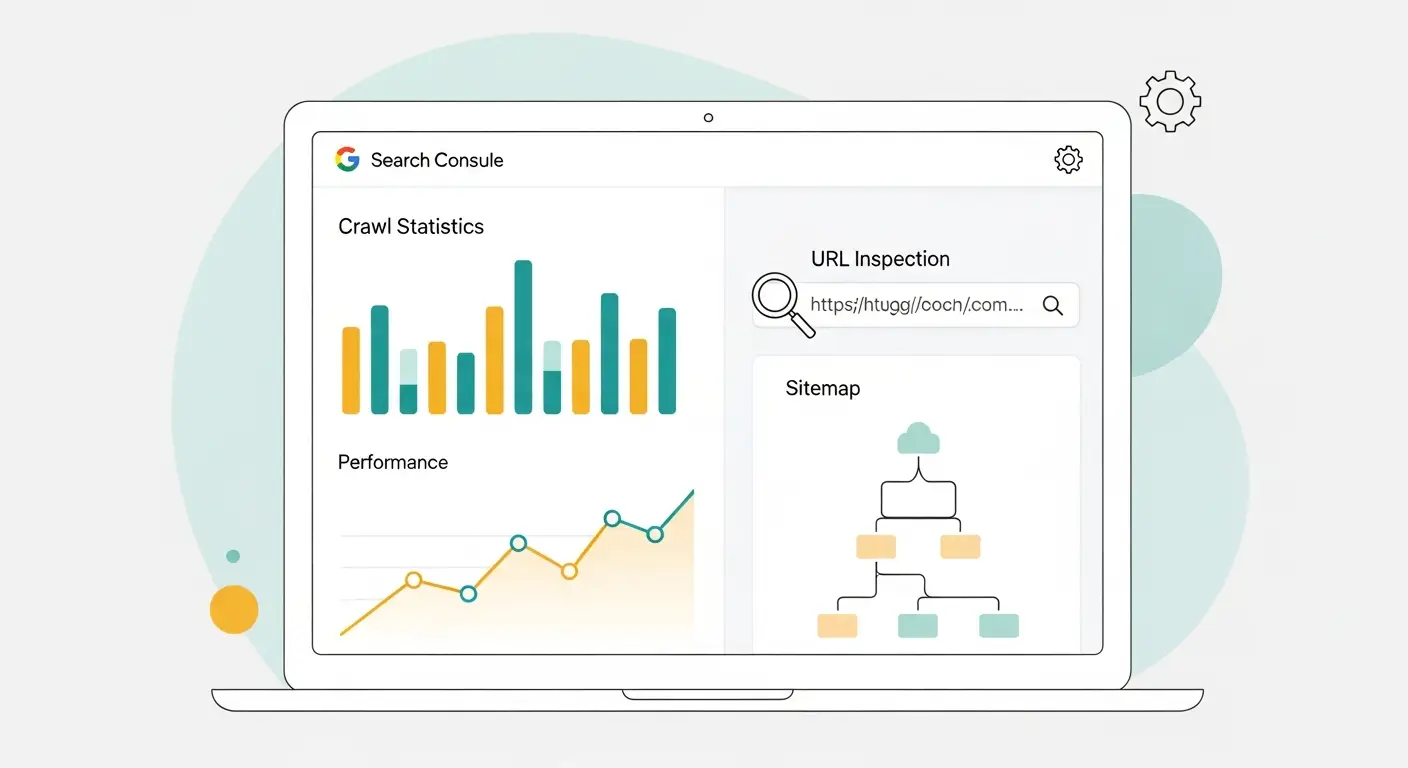
No other tool on the planet shows you what Google actually thinks about your website. Every paid SEO platform, every keyword tool, every rank tracker is estimating. Search Console is not estimating. It is reporting straight from Google's own data.
That is why it should be the first thing you set up, before touching a single page or writing a single word.
This post is part of my Analytics series.
What you get from Search Console
Real keyword data
The Performance report lists every search query that triggered your site in Google results. For each one, you see four things:
- Impressions: How many times your site appeared for that query
- Clicks: How many people actually clicked through
- Average position: Where you ranked on average
- Click-through rate (CTR): The percentage of impressions that turned into clicks
This is the most accurate keyword research tool available to any business owner. You are not guessing which keywords matter. The data is right there.
Technical problems you would never find otherwise
Search Console flags issues that silently sabotage your rankings:
- Pages Google cannot access or refuses to index
- Mobile usability failures
- Core Web Vitals problems
- Security warnings
- Crawl errors and broken redirects
It is common for businesses to have important pages that Google has never indexed because of a misconfigured robots.txt file. Without Search Console, those pages can sit invisible for months. The tool surfaces these problems in under a minute.
Your best-performing pages
Sorting by clicks or impressions reveals which pages are already earning traction. These are candidates for deeper optimization because they have proven they can rank. Small tweaks to pages that are already working often produce bigger results than creating brand new content.
How Google renders your pages
The URL Inspection tool shows exactly how Google sees any page on your site. If your JavaScript is hiding content, if your CSS is broken on Google's crawl, if a redirect is misbehaving, this tool surfaces it before it damages your rankings.
Setting up Search Console: three steps
Step 1: Verify ownership
Go to search.google.com/search-console and add your site. Google offers several verification options:
- DNS verification: Add a TXT record to your domain's DNS. This is my preferred method because it is reliable and platform-independent.
- HTML file upload: Drop a file in your site's root directory.
- HTML meta tag: Add a meta tag to your homepage.
- Google Analytics: Verify through an existing Analytics installation.
DNS verification takes two minutes if you have access to your domain registrar. If that sounds intimidating, the Analytics method is even faster.
Step 2: Submit your sitemap
Click Sitemaps in the left navigation. Enter your sitemap URL (usually yoursite.com/sitemap.xml) and hit submit. This tells Google about every page on your site and helps new content get discovered faster.
Step 3: Wait a few days
Data starts flowing immediately, but give it three to five days before you see meaningful numbers in the Performance report. Core Web Vitals data takes a full 28 days to populate.
How I use Search Console week to week
Hunting for quick wins
I filter the Performance report for queries ranking between positions 8 and 20. These keywords are tantalizingly close to page one. With focused on-page optimization, a better internal link, or a content refresh, many of these jump into the top results within weeks.
For example, imagine a Denver HVAC company ranking at position 11 for "emergency furnace repair Denver." A title tag rewrite and two internal links could be enough to push that to position 4. That kind of single keyword shift can generate a meaningful increase in leads.
Spotting CTR problems
Sometimes a page ranks well but almost nobody clicks on it. Position 3 with a 2% CTR means the listing is not compelling. The fix is almost always a better title tag or meta description. Search Console makes these mismatches obvious.
Watching indexation health
I check how many pages Google has indexed versus how many should be indexed. If the numbers do not match, something is blocking discovery: a noindex tag left from staging, a sitemap that is not updating, or internal links that do not connect properly.
Tracking ranking movement
I monitor average position for target keywords over time. Steady improvement confirms the strategy is sound. A sudden drop on specific queries triggers investigation. Was there a Google algorithm update? Did a competitor publish stronger content? Did something break technically?
Diagnosing traffic drops
When traffic or leads drop, Search Console is my first stop. I check whether specific pages lost rankings, whether Google flagged new issues, or whether a broader algorithm change affected the site. The data usually points to the answer within ten minutes.
The reports worth your time
Performance report
I spend about 80% of my Search Console time here. Filter by date range, query, page, country, or device to dissect how your site performs in search. This single report drives most of my optimization decisions.
Pages report
Formerly called Coverage, this shows which pages are indexed, which have errors, and which Google chose to exclude. I review it monthly to catch new technical problems before they compound.
Page Experience report
This displays Core Web Vitals from real user data. It is the definitive source for whether your site passes Google's performance thresholds. Third-party tools estimate these numbers. This report shows you the real ones.
Links report
Shows who links to you externally and how your internal linking structure looks from Google's perspective. I use it to find internal linking gaps and to identify new backlinks I did not know about.
Your first Search Console audit: step by step
Once you have about two weeks of data, here is the audit I recommend running.
Check indexation. Open the Pages report. Compare indexed pages to the number of pages you know exist. If Google is missing pages, dig into the reasons: robots.txt blocking, noindex tags, missing internal links, or sitemap problems.
Review errors. In the Pages report, look at the "Not indexed" section. Find 404 errors, redirect loops, and server errors. Each one needs to be fixed or properly redirected.
Analyze top queries. Open Performance and sort by impressions. These are the terms Google associates with your site. Look for surprises, keywords you were not targeting intentionally. They reveal content opportunities Google already considers you relevant for.
Find CTR opportunities. Filter for queries where average position is 1 through 5 but CTR is below 5%. Those pages rank well but do not earn clicks. Better titles and meta descriptions fix this.
Identify striking distance keywords. Filter for queries with positions 8 through 20 that are generating impressions. These are your best short-term opportunities. I prioritize them for on-page optimization because small improvements yield significant traffic gains.
Check mobile usability. Open the Mobile Usability report. Fix anything flagged: text too small, tap targets too close, content wider than the screen. These issues directly hurt rankings under mobile-first indexing.
Validate Core Web Vitals. Check for URLs with "Poor" or "Needs Improvement" status. Fix Largest Contentful Paint first, then Interaction to Next Paint, then Cumulative Layout Shift.
Submit missing pages. For any pages that are not indexed, use URL Inspection to request indexing. Confirm they are in your sitemap and linked from other pages.
This process takes about 90 minutes for a business site with 20 to 50 pages. After the initial fixes, monthly follow-up audits take 20 minutes.
Advanced techniques I rely on
Date range comparisons
I compare the current 28-day period against the previous 28 days to track momentum. For seasonal businesses (landscapers, ski shops, wedding photographers), I compare against the same period last year to filter out normal seasonal fluctuation.
Device filtering
Filtering Performance by device often reveals that a page ranks differently on mobile versus desktop. If mobile rankings are significantly worse, the culprit is usually a mobile usability issue or slow page speed that only affects phone users.
Regex query filters
Search Console supports regex in the Performance report. I group related keywords by filtering for patterns, like all queries containing "Denver" or all queries related to a specific service. This gives a clear view of how each keyword cluster performs without manually checking terms one at a time.
Connecting to Google Analytics
Linking Search Console to Google Analytics lets me trace the full path: search query to click to page view to conversion. I can see which keywords drive leads, not just visits. This is where SEO data turns into business intelligence.
Monthly data exports
Google retains only 16 months of Search Console data. I export monthly into a spreadsheet so I have a complete historical record. Long-term trend data reveals patterns you cannot spot in a 16-month window, like gradual shifts in which topics Google associates with your site.
Problems I find on almost every audit
- Pages accidentally blocked by robots.txt. Important pages hidden from Google by a line of code nobody remembers adding.
- Mobile usability errors. Tap targets too close together. Font sizes too small.
- Redirect chains and loops. Pages bouncing between URLs without ever resolving.
- 404 errors from old links. Broken links pointing to pages that moved or were deleted.
- Duplicate content warnings. Multiple URLs serving identical content, splitting ranking signals.
Frequently asked questions
How long before Search Console shows data?
Data starts appearing within two to three days, but you should wait at least two weeks for a comprehensive picture. Data collection begins immediately after verification, but the Performance report needs two to three days to show meaningful numbers.
Core Web Vitals data requires a full 28 days of real user measurements before it populates.
Is Google Search Console free to use?
Yes, Search Console is completely free with no premium tier or hidden upgrades. Google provides it because well-optimized websites improve their search results quality. Every competitor who takes SEO seriously already has it configured. There is genuinely no reason to skip it.
What is the difference between Search Console and Analytics?
Search Console shows what happens before someone visits your site, while Analytics shows what happens after they arrive. Search Console reveals which keywords triggered impressions, where you ranked, and how many people clicked. Google Analytics shows which pages they viewed, how long they stayed, and whether they converted.
I recommend using both because they answer different questions. Search Console tells you how to get more traffic. Analytics tells you how to turn that traffic into customers.
Should I set up Search Console for a brand new website?
Absolutely, it is the fastest way to get Google to discover your pages and catch problems early. Submitting your sitemap to Search Console on a new site speeds up page discovery significantly. It also establishes baseline data so you can track growth from day one.
New sites commonly have indexation issues, schema markup errors, or mobile problems that go unnoticed for months without this tool. Better to catch those in week one than month six.
Final thoughts
Search Console is free, it pulls data directly from Google, and it reveals things no other tool can show you. If you do not have it set up, you are guessing about your SEO performance instead of measuring it.
Without Search Console, technical problems silently sabotage your rankings for months while you wonder why traffic is not growing. Pages you worked hard on could be invisible to Google right now and you would have no way of knowing.
Imagine seeing exactly which keywords bring people to your site, which pages are one small tweak away from page one, and which technical issues to fix first. That is the kind of clarity that turns guesswork into a strategy that actually produces results.
I recommend configuring Search Console as one of your first actions. The insights shape everything from keyword targeting to technical fixes to content direction.
If you need help setting it up or interpreting what the data means, reach out. Ten minutes of setup now saves months of guessing later.
Want me to help with your SEO?
I help small businesses get found on Google. Let me show you what I can do for yours.
Let's talk